Fix What Is Broken and Restore Normal Use
Nare IT Solutions repairs hardware, resolves software issues, and restores performance for personal and business computers in Montrose, Colorado.
When your computer stops starting up, runs slowly, or displays error messages in Montrose, the cause could be a failing hard drive, corrupted software, or a hardware component that is no longer working. Figuring out the problem on your own takes time, and the wrong fix can make things worse. Nare IT Solutions diagnoses the issue, explains what is wrong, and completes the repair so your computer works the way it should.
This service includes hardware repairs like hard drive replacements, SSD upgrades, RAM upgrades, and laptop screen or power supply repairs. It also covers software troubleshooting for operating system errors, application crashes, startup issues, and driver updates. Performance optimization, data recovery, and full system diagnostics are included, along with clear explanations and upfront repair estimates before any work begins.
If your computer is not working and you need it repaired in Montrose, reach out to schedule a diagnostic and get a clear answer on what needs to be done.
Our Services
Diagnostics Show Exactly What Needs Attention
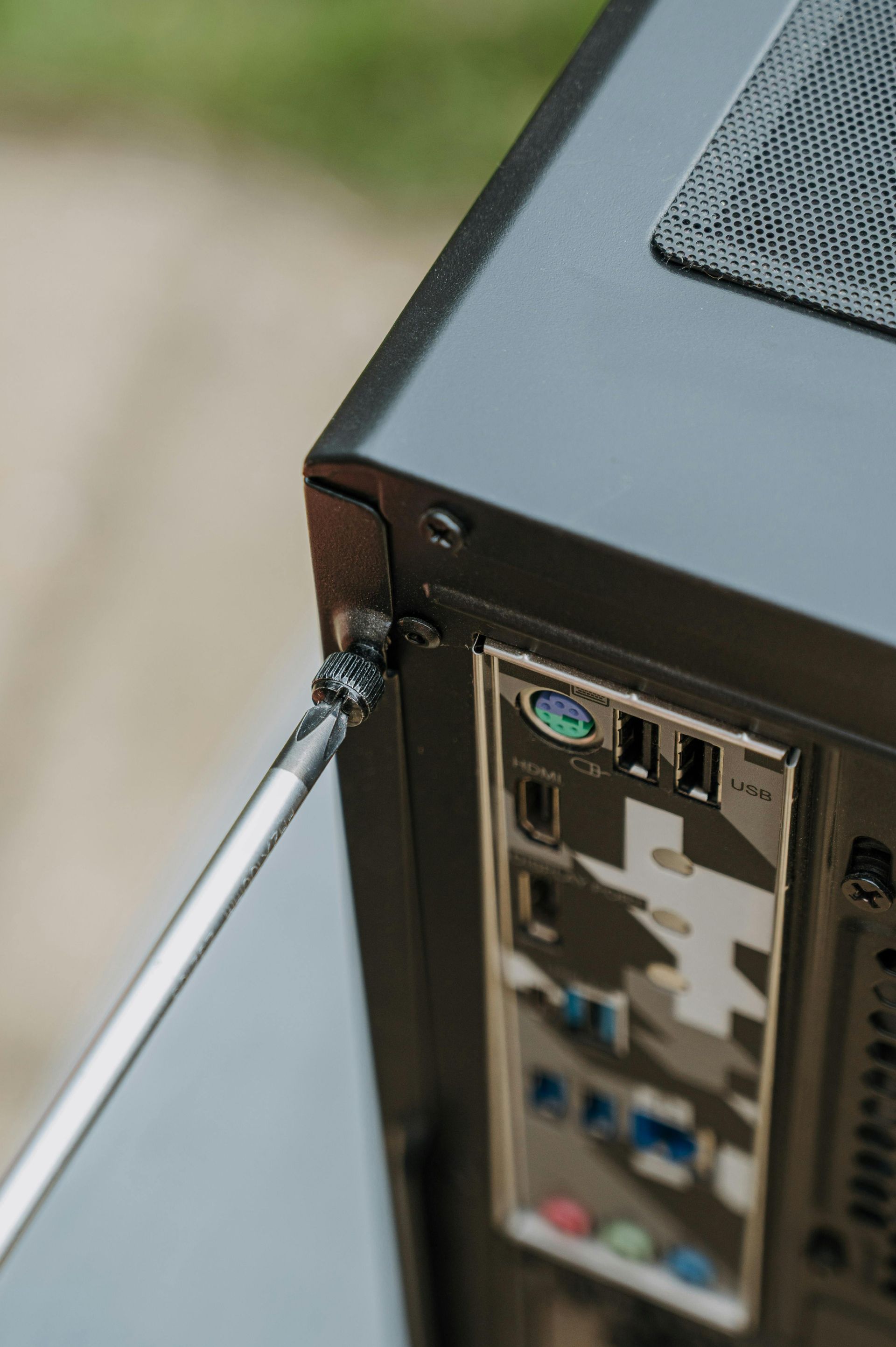
Repair begins with a full diagnostic that checks hardware health, scans for software conflicts, and identifies what is causing the problem. In Montrose, the technician runs tests on memory, storage drives, power delivery, and system files to isolate the failure. Once the issue is identified, you receive a written explanation of what is wrong, what needs to be replaced or repaired, and how much the work will cost before anything is done.
After the repair is finished, your computer will start normally, run applications without freezing, and respond at the speed you expect based on its hardware. If a hard drive was replaced with an SSD, boot time will drop from minutes to seconds. If RAM was upgraded, you will be able to open more programs at once without slowdowns.
The service includes labor, diagnostics, and a summary of what was repaired. Replacement parts are priced separately and listed in the estimate. If data recovery is needed, files are retrieved from the damaged drive before any replacement occurs. The service does not include upgrades beyond what is necessary to restore function unless you request them as part of the repair.
What people ask before bringing in a device
Most people want to know how long the repair will take, whether their files can be saved, and what the cost will be before dropping off a computer for service.
If your computer is not starting, running slowly, or displaying errors in Montrose, Nare IT Solutions can run a full diagnostic and complete the repair with a clear estimate before any work is done. Learn more by contacting us to schedule a drop-off or pick-up for your device.